
Equipment
The register of what the shop owns, who has it out, and what condition it came back in.
Equipment is the register of what your shop owns: machines, tools, vehicles, anything worth knowing the whereabouts of. It is an optional module, so if you cannot see it, your shop has not turned it on.
Equipment is a register, not a booking system
Each item is a card: a category tag, what it is, make and model, its utilization, its current status, and whether somebody has it out right now.
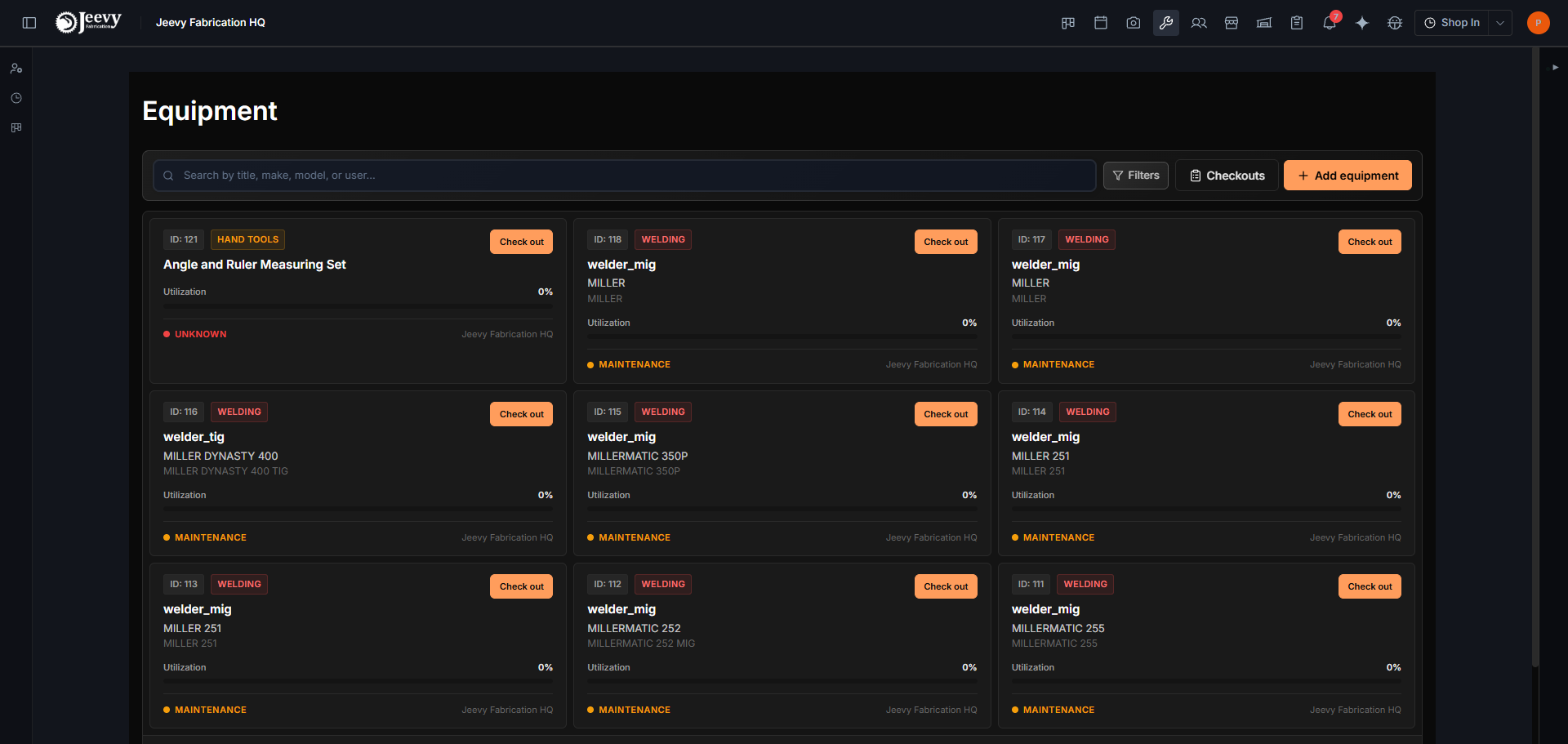
Status is one of five states, and they mean different things to a planner:
| Status | Reading |
|---|---|
| Operational | Working and available |
| Maintenance | Out of service on purpose |
| Broken | Out of service not on purpose |
| Non-operational | Present, not usable |
| Retired | Off the books, kept for the record |
Adding an item
Add equipment takes rather more than a name, and the fields you skip are the ones somebody wishes were filled in later:
- What it is: category, title, description, make, model, year.
- Identity: VIN and sticker number, which is what a person standing in front of the machine can actually read off it.
- Money: purchase date and purchase price.
- Where and who: storage location, current user, current project, and the dates it is expected to be in use.
- Condition: status, a free-text condition note, mileage and hours.
- Photos, attached to the record.
Checking something out
Check out puts an item in somebody's hands and records it: who has it, a phone number to reach them on, and photos of the condition it went out in. The card then carries a Checked Out badge until it comes back. Shop owners get a Checkouts view listing everything currently out.