Changelog

What shipped, newest first.

17 September 2026

  • Dashboard search spans the toolbar again
  • Opening AI on a phone no longer raises the keyboard
  • Floor rhythm is readable on a phone
  • Platform admins can switch shops on a phone
  • The shop switcher shows the shop name on a wide phone

15 September 2026

Already-bought material is booked from the order, not Raise PO

If you already have the part, book it where you would have ordered it: Already in hand on Order Stock for shop stock, or Already purchased on a job list. Raise PO no longer has an Already received shortcut, and Receiving no longer has a separate walk-in form. Receive delivery only books arrival against an open PO. Metal that arrived with no order is Order Stock with Already in hand. See Stock and deliveries and Materials and POs.

How it works

Hang a vendor and their part number on a catalog part

A catalog part can now carry the suppliers that sell it and the numbers they use. Open the part from Catalog or On Hand and use Vendors, or fill vendor and vendor part number when you Add parts (including the CSV columns). A later search for that supplier code finds the same part. See Stock and deliveries.

How it works

The project list no longer opens work streams

The caret that expanded work streams on the quotes and projects list is gone. Contact on a row now opens that client's saved people, with Add new contact in the same menu. The list opens on PO, client, contact, location, owner, stage and deadline. Class stays in View, off until you turn it on. Labor and Floor Rhythm only appear in View when Clock Management is on; they stay off until you turn them on. Floor Rhythm is the whole shop: hide it in View.

PO Approvals is back on Task Review

PO Approvals is on Task Review again, next to Review, Pending action and History. Purchases waiting on sign-off, missing receipts and reimbursements all live there. See Work waiting on you.

Task and work stream details on the shop schedule

Click a task or a work stream on the shop Schedule board to open its details on the right, the same pane the tasking tab uses. The caret still collapses a stream. Bars now use the same status colours as the Gantt so the span of the work is visible. See Reading the Gantt.

How it works

Schedule groups work streams under each project

The shop Schedule board now nests work streams under each project, with denser rows and a collapse control on the project. People uses the same grouping under each person, so assignments no longer stack on one overlapping row. See Reading the Gantt.

How it works

Open a work stream from the shop schedule

The task and work stream panes on the shop Schedule board now include Open work stream, which takes you to that stream. See Reading the Gantt.

How it works

Collapse work streams on the shop schedule

You can now collapse a work stream on the shop Schedule board, not only the project around it. The person-by-person calendar is gone from this page. See Reading the Gantt.

How it works

Lunch sits next to Shop Out

Shop In on the top bar stays green. Once you are shopped in it splits into Lunch and Shop Out. End lunch before you can shop out. See Shop time and task time.

The shop schedule shows every job and delivery

The shop Schedule page is now a shop-wide board, not a week grid behind a hidden staffing modal. Work lists every deployed task and expected material delivery, grouped by job. People is still the person-by-person view for moving assignments. See Reading the Gantt.

How it works

14 September 2026

The assistant looks the same on every page

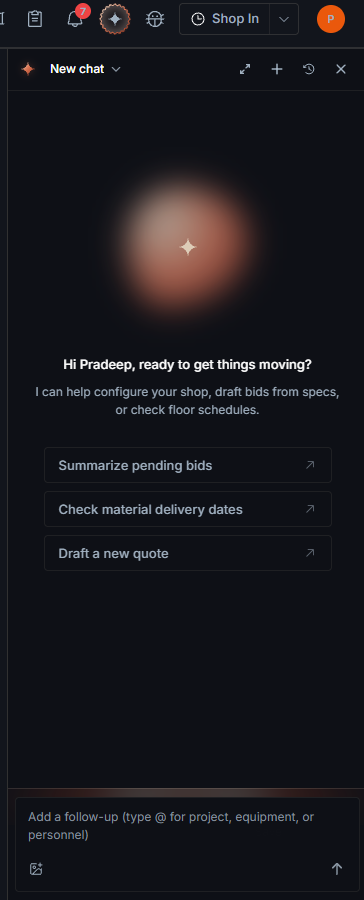
Quotes and projects now open the same assistant as the rest of the shop: one header with your threads behind a dropdown, a greeting with prompts to start from, and replies laid out so you can tell at a glance who said what. Everything the job assistant already did is still there, including @-mentioning a file, attachments and approvals. More in the assistant guide.

How it works

Shop destinations are back in the top bar

The 9-dot apps menu is gone. Projects, Schedule, Cameras and the rest of Manage sit in the top bar again, with bug reporting beside them. Help is under your account menu. Floor rhythm can be collapsed on the dashboard, and it stays hidden when Clock Management is off.

Purchasing has a full tour, and All Items reads like a list

The Purchasing tour now walks through the real work: your lists, All Items, the line-item table, its filters and, on a project, Raise PO. Replay it any time from the help menu. All Items also moved to the top of the sidebar and now has the same header, tabs and filters as a single list, so searching every line on the job happens right above the table. More in Materials and POs.

How it works

13 September 2026

  • Stock allocated or consumed on a job updates inventory right away

12 September 2026

Parts catalog with part types and required properties

Parts are filed by category and part type, and a starter set of types is included. Adding a part of a type that has properties asks for them, such as a length with its unit. Several catalog parts can be added at once from Inventory.

How it works
  • Cameras reconnect on their own, show their real status and offer Standard or Full quality

10 September 2026

Give quotes and projects your shop's own number

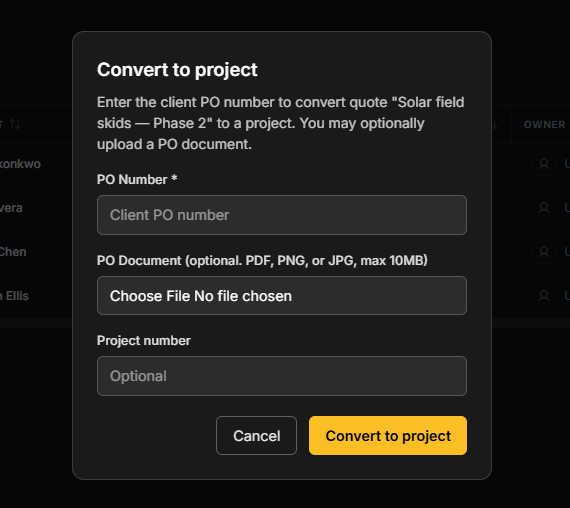
Creating a quote or project, or converting a quote, now takes an optional number of your own, shown alongside the job.

How it works

New shops can sign up on their own

A new user creates their shop and walks through setup, with address autocomplete.

  • Mobile app adds a manager dashboard with filters, project details and photos on notes

9 September 2026

  • New shop setting to enforce vendor credit limits when raising POs

8 September 2026

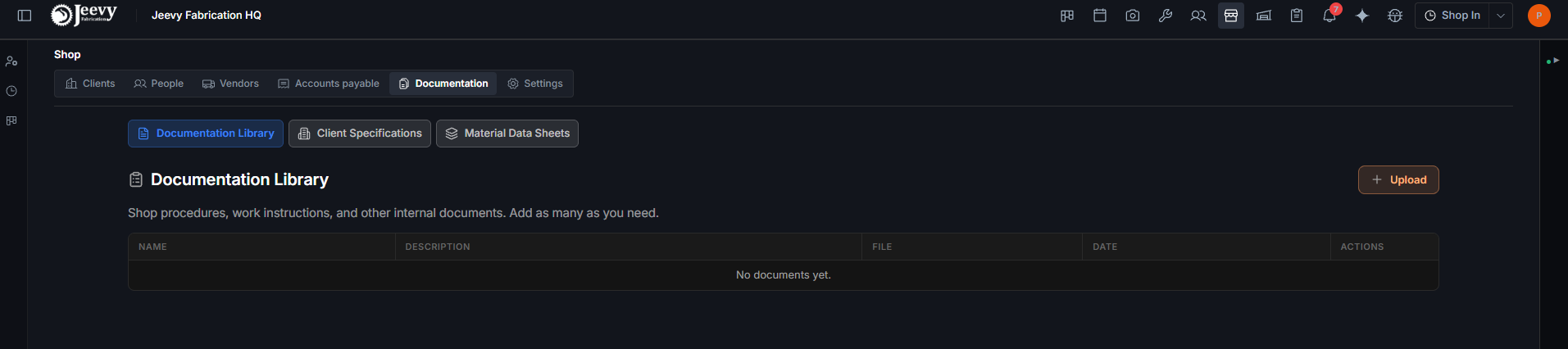
Shop documentation, reorganized and searchable by the assistant

The Documentation tab has four sections: Documentation Library, Code Library (where enabled), Client Specifications and Material Data Sheets. The assistant can search these shop documents.

How it works

7 September 2026

  • File lists open newest upload first
  • The assistant summarizes the actions it took

6 September 2026

One Receive Delivery form, and QC sign-off for many items at once

Everything arriving at the dock goes through one form, and a delivery can carry several items. QC sign-off for multiple items happens in one dialog, with a storage-location picker. Every Purchase History row has its PDF.

How it works
  • Purchasing table tidied: one Item column for name and description, and PO numbers are links

4 September 2026

Inventory: order shop stock, merge duplicate parts, claim stock for a task

On Hand shows one row per part, with a drawer holding its batch history. Consuming stock draws from the oldest batches first, and scrapping is recorded separately. Shop restocks raise their own POs with custom numbers, several items and the $1,000 sign-off. Duplicate parts can be merged and un-merged, and stock can be claimed for a project task and returned.

How it works

3 September 2026

  • Email Audit has its own permission, separate from other modules
  • Quote schedules show start and end dates

2 September 2026

Clock a whole crew in or out at once

The Shop In menu in the top bar can shop several workers in or out together. From a work stream's task table, a manager can clock many workers into one task.

  • The planner has a What's new walkthrough and a guided tour

1 September 2026

Jeevy Gnosis is on Google Play

The Android app covers shop in and out, clocking in and out of tasks, task history with attachments, and push notifications. The site footer links to Google Play and marks the App Store as coming soon.

  • Shop Time lists every session, and file thumbnails stop flickering on refresh

31 August 2026

Correct purchases after the fact: void POs, fix prices, add item photos

A whole PO or a recorded purchase can be voided, and cancelled POs stay in Purchase History. A unit price can be corrected after purchase, and sign-off is asked for again if the change crosses your threshold. Quantity locks once items are received. Reimbursements keep a paid history that owners and PMs can reopen, and items can carry photos.

How it works

The planner shows whether a task's materials have arrived

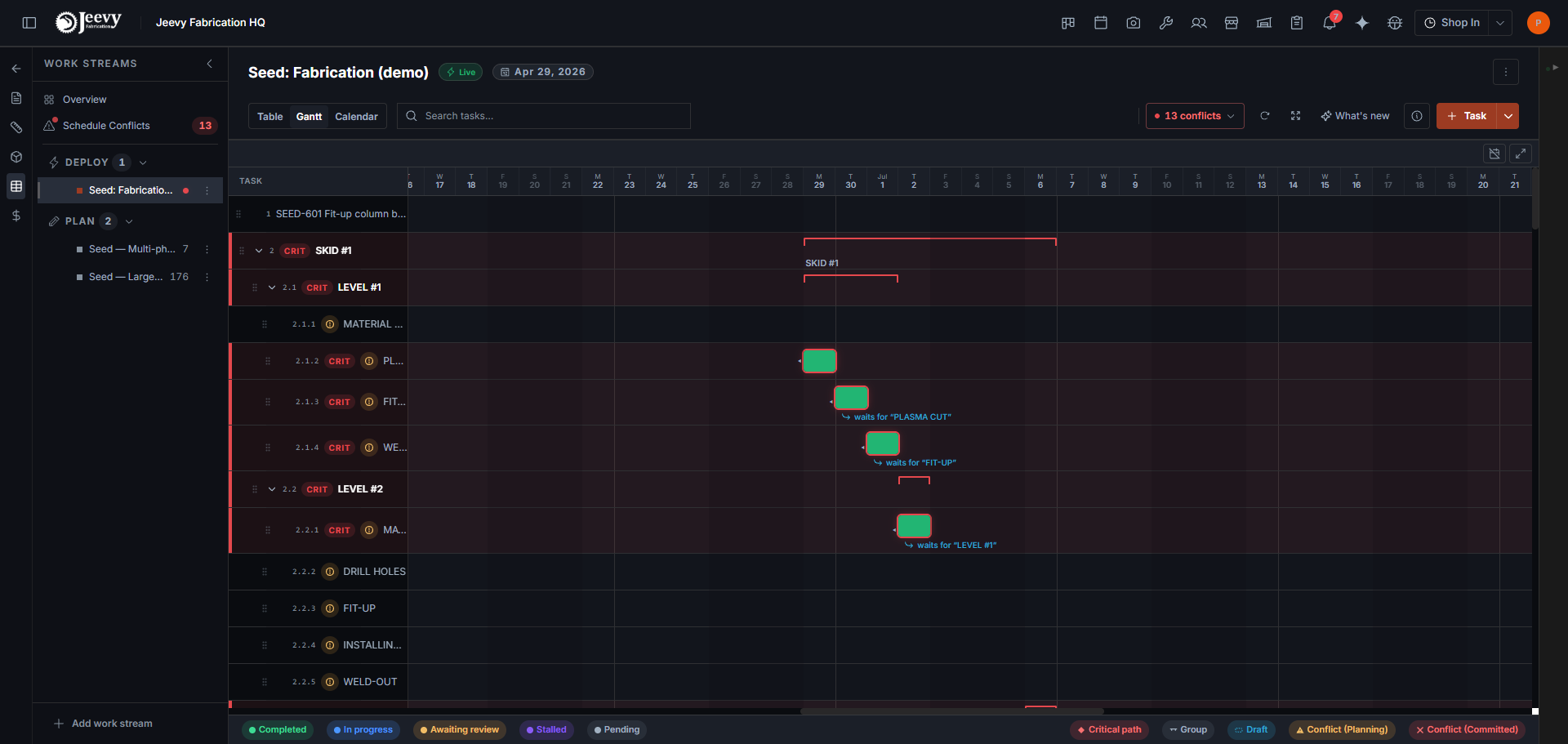
The table and Gantt were rebuilt. Bars show when a task is waiting on material, including partial deliveries, and a hover card explains a bar's dates. Conflicts from other jobs open in a popover, and dependencies are picked from a searchable list.

How it works
  • Very large work streams show all of their tasks

29 August 2026

  • Assistant replies appear as they are written

26 August 2026

Share a read-only schedule link (beta)

Create a link to a job's schedule that expires after 1, 7, 30 or 90 days, and revoke it at any time.

25 August 2026

  • Each work stream keeps its own working calendar
  • Switching shops no longer jumps back to your default shop after a while

24 August 2026

Paste images into the assistant and keep several chats open

You can paste or attach images as context. Images stay with the conversation, and chats open in separate tabs.

How it works

21 August 2026

Ask the assistant to reassign, reschedule or update tasks

From chat, the assistant can change who a task is assigned to, its schedule, its status and its progress.

How it works

Email Audit: an agent reads your shop inbox for purchase orders

Connect the shop's Gmail, and the agent reviews incoming email for POs and routes what it finds to the right client or vendor. Email Audit shows what it read and where it sent it, and you can give it instructions from your account.

How it works
  • Add a note, with mentions and images, straight from the dashboard's project and quote lists
  • The tasking view can go full screen

19 August 2026

  • The Materials tab is now called Purchasing, and downloaded quote PDFs are named by quote number and bid name

18 August 2026

  • Vendor POs no longer print internal part IDs

17 August 2026

Service lists beside material lists, and vendors tagged by what they supply

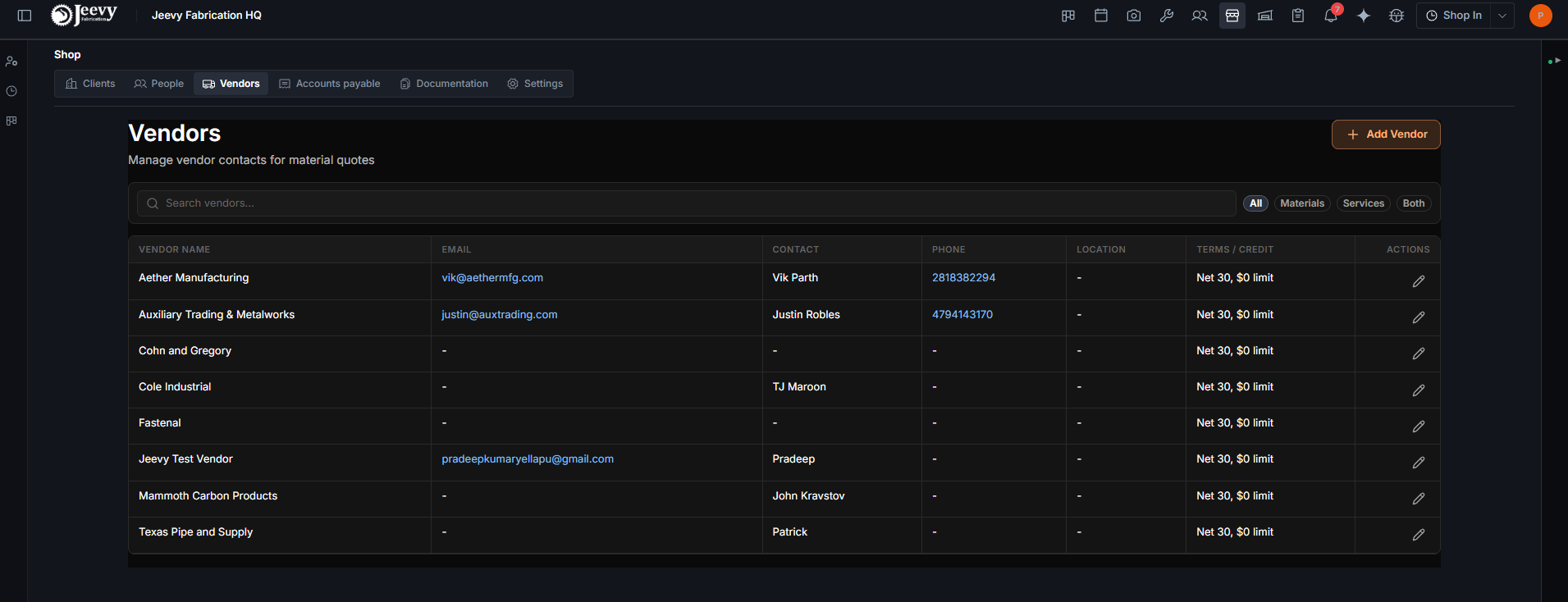
A job can hold service lists as well as material lists. Vendors are marked as supplying materials, services or both, and the vendor list filters on that.

How it works

11 August 2026

  • Faster path from login to the dashboard, and alerts for activity on a file's timeline

10 August 2026

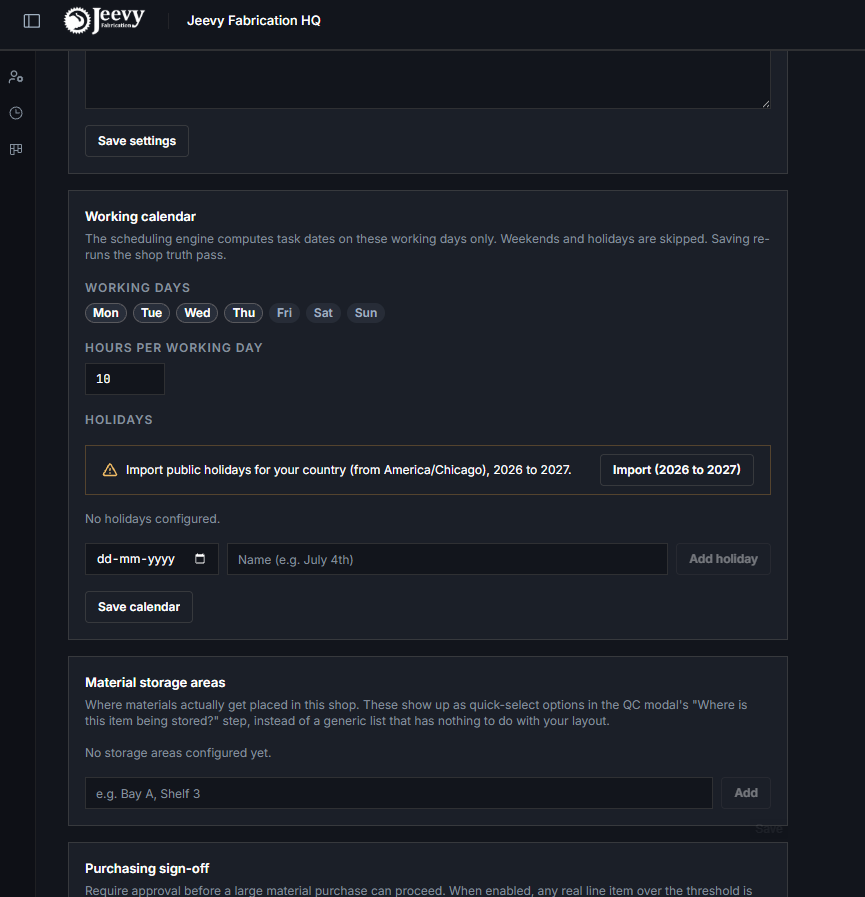
Import public holidays into your working calendar

Shop Settings can import your country's public holidays for the coming years. The scheduling engine then skips those days.

How it works

@-mention teammates in project and quote notes

Typing @ in a note picks a person from your shop and notifies them.

8 August 2026

  • File Manager and busy lists load faster

6 August 2026

  • Purchase History shows Project and List columns and pages through long histories

5 August 2026

Share files with specific people, compare files side by side, and see each file's history

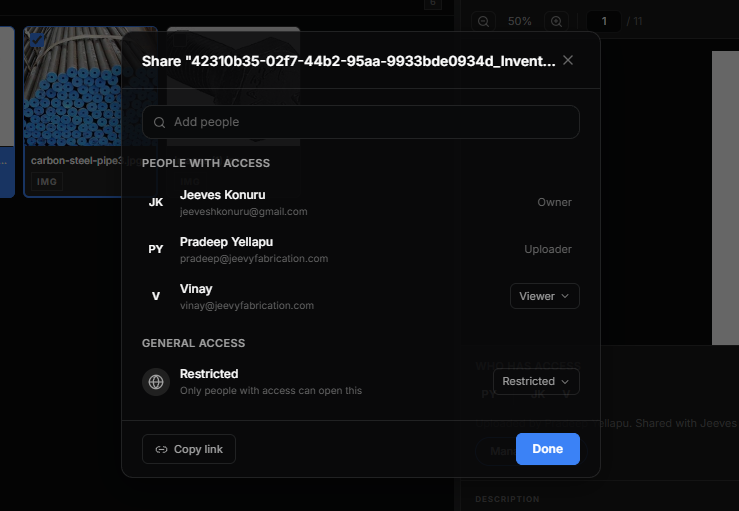
Manage access on any file or folder lets you add people as viewers or editors, or keep it restricted. Owners and uploaders are listed. You can open two to five files side by side, and a timeline records each revision.

How it works

27 July 2026

Custom columns, filters and your own sign-off threshold in purchasing

The items table takes custom columns (a Location column, for example). Each list can be filtered by status and vendor, and each shop sets the dollar amount at which a purchase needs sign-off.

How it works

Task dates are calculated for you, and conflicts are flagged

A scheduling engine works out task dates from dependencies, shop holidays and worker availability. It flags scheduling conflicts in the app and by text.

How it works

23 July 2026

Materials purchasing rebuilt: lists, CSV import and Raise PO with sign-off

Items can be imported from CSV. Raise PO now handles picking vendors and requires sign-off on purchases over $1,000. After a PO is created you land in its track panel, where you can download it, and quotes, POs and RFQs can name a point of contact on each side.

How it works

Receiving: quicker QC, storage areas and required actions

QC sign-off runs straight from the delivery. Placement comes from storage areas you define in Shop Settings, and it can be edited later. A shop-wide Required Actions list shows what needs attention, and items received without a job can be assigned to a project or list.

How it works
  • Add a note to each file as you upload it
  • Switch between shops from the header if you belong to more than one

17 July 2026

  • Quote PDFs show a tax breakdown
  • Your shop logo appears on generated documents, set from Shop Settings

7 July 2026

Translate task notes, and require a photo before review

A translate button on task instructions, feedback and rejection reasons shows an English or Spanish translation under the original. Managers can switch on Require photo on review for a task. Notifications can also be dismissed all at once.

  • File Manager works on phones

29 June 2026

Task checklists, QA review and group clock-in

Tasks can carry checklists, filled in from the operation type's template, which can be required in order and sent to a PM for approval. Crews can clock into a group of tasks together, each task keeps an activity history, and PM Review merges Pending and QA into one Review tab.

  • iPhone HEIC photos are converted on upload

24 June 2026

File Manager rebuilt around folders, bulk moves and zip downloads

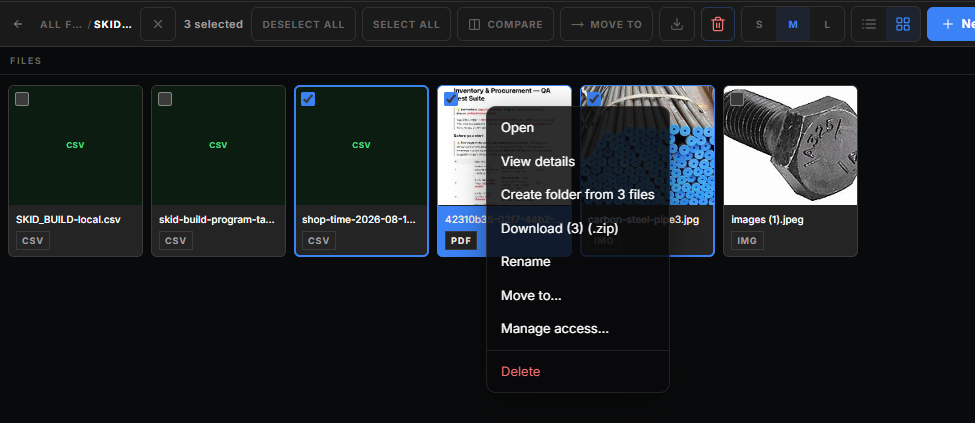
Folders can nest and show a breadcrumb path. You can select and drag many files at once, use Move to, sort, filter by category and search inside nested folders. A file, a folder or a whole selection downloads as a zip that keeps its folder structure, and 3D models preview inline.

How it works

22 June 2026

  • Generated PO PDFs show their PO number again
  • Upload a logo for each client

19 June 2026

  • Vendor PO numbers now run in sequence within each project

18 June 2026

  • PDF and image previews and downloads work again
  • Workers and managers are alerted, including by text, when someone forgets to shop out

17 June 2026

Export-controlled jobs

A quote or project can be marked Export Controlled. Its documents only open for people whose personnel record grants export-controlled access.

How it works
  • Managers can move a clock session to a different task from the clocking log
  • Quote Generation autosaves and accepts decimal values

9 June 2026

  • Deployed tasks no longer show as Blocked by default

8 June 2026

PM Review collects finished work and timesheet requests

Workers can ask for a timesheet correction. Managers get one queue for completed tasks and those requests, with notifications that open the item directly.

How it works

The kiosk asks how a task went, and checks your day before you shop out

Clocking out of a task now records whether it is still in progress, blocked or done. Workers can take a lunch break from the kiosk, and they see a summary of the day's task time before they shop out. A guest login and a Shop In button are also on the kiosk.

How it works