Kiosks
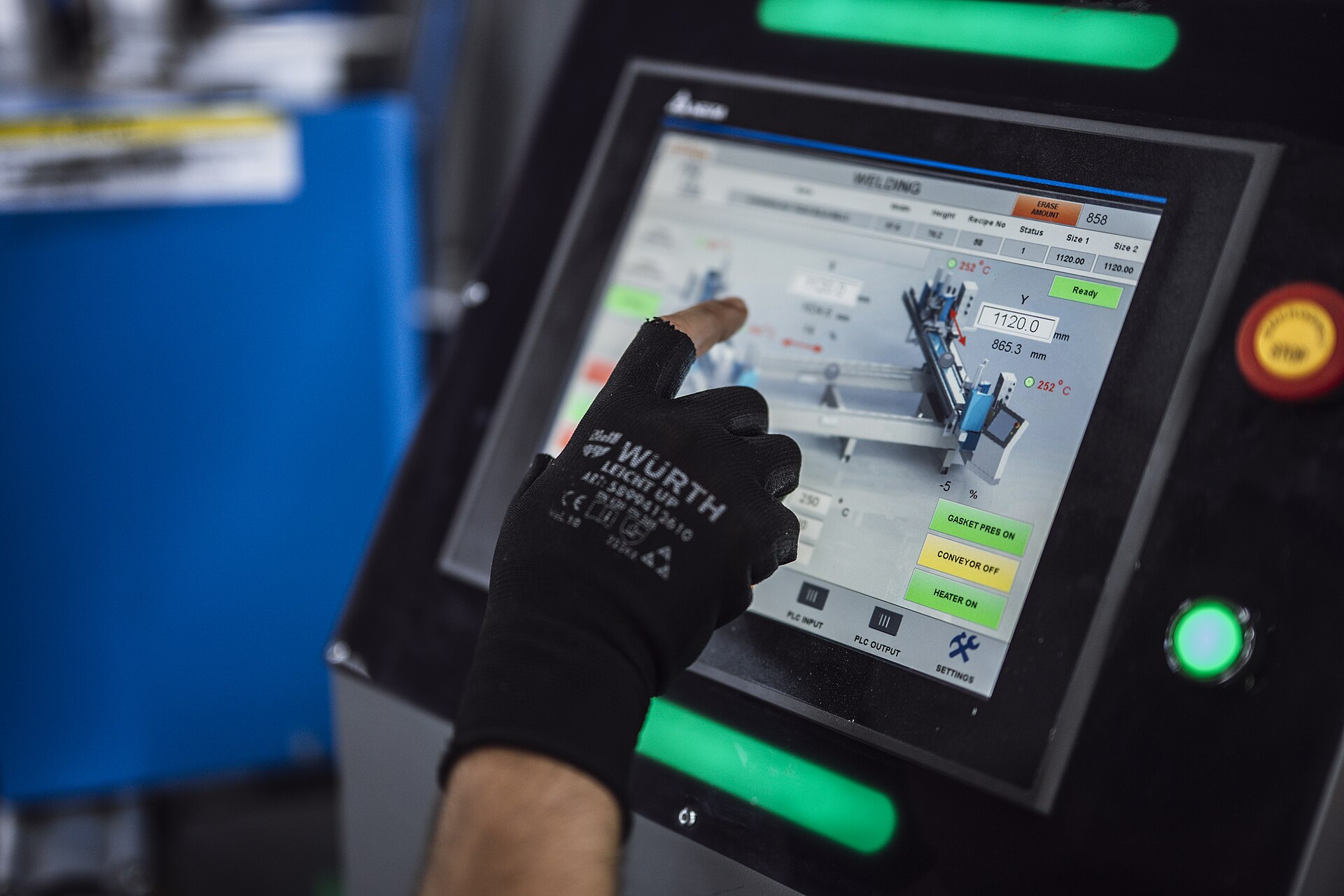
The shop-floor terminal: a wall-mounted screen, a gloved hand, glare, and an operator between two jobs. Everything is bigger, fewer and unmistakable.
Touch floors
44pxMinimum hit target, every control
56pxPIN pad keys and the PIN field
On the kiosk the 44px boundary is the floor, not an invisible extension: visible controls are 44px or taller, so a glove lands on what it can see.
High-contrast states
Glare washes out a 16% tint. On the kiosk a state is carried by a status hue on the label and an icon as well as the tint, so it survives a screen at an angle in full sun.
Photo needed: A kiosk screen in a weld bay with arc light and sun across it, status still readable
Clocked in, Weld bay 2
In
One job per screen
Clock in, pick a task, mark it done. Each screen asks one question with one primary action, and the way back is always in the same corner.
More in Foundations and concepts
Design principlesFour human commitments for software on a shop floor, and the engineering rule that keeps each one.Token architecture and tiersPrimitive, semantic and component tokens, and how one value cascades to a control.Color and the monotonic ladderSix charcoal rungs measured in L*, text contrast, and status hues that name conditions.Typography and data formatsSix sizes, the one 10px tier, and when a number takes the data face.Data visualization and charts20 chart archetypes at three sizes, timeline rules, the series colour contract, and accessible charts.Layout patterns and shell slotsThe five shell slots, drawer anatomy, and density that steps inward.